

Tiny Desk Outstanding AI Video Generator
Lead vocals
Required
Sax
Not in Lite
Keys
Not in Lite
Backing left
Not in Lite
Backing right
Not in Lite
Tap a face to upload the person who replaces them. Spots you leave empty keep the original performer.
A failed render costs you nothing.

Add a photo, pick a length, then press Generate.
What Tiny Desk Outstanding AI changes, and what it keeps
Tiny Desk Outstanding AI edits the trend clip itself rather than inventing a new scene: faces, hair and outfits come from your photos, while the desk, room, cuts, camera and music stay from the original footage. How the joke began is on the Tiny Desk meme page.
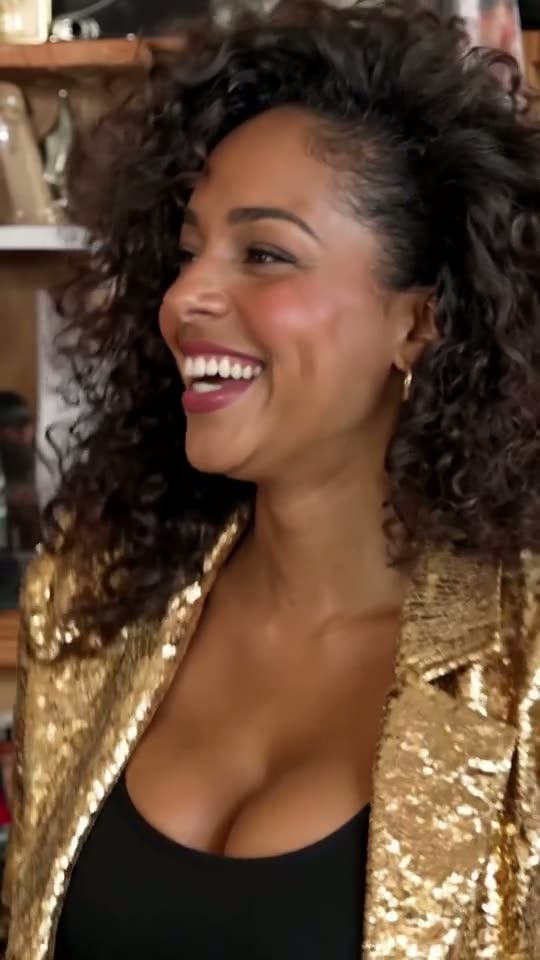
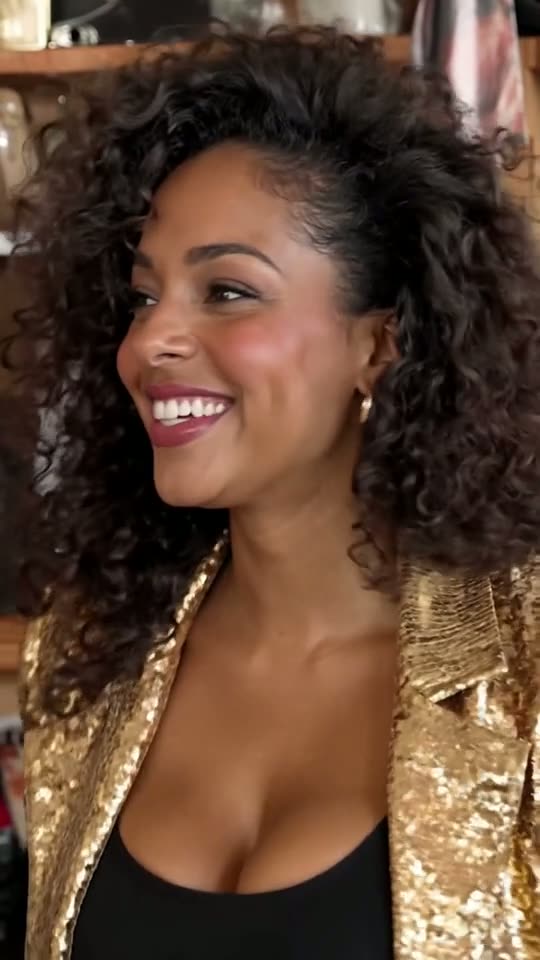
- Lead vocals: the one required photoThe lead appears twice: side-on in the opening second, then in the close-up, turning to the lens to sing "Outstanding" and laugh. Every version needs this photo.
- Four more spots you can leave emptySax, keys and the left and right backing vocals take one photo each. Leave any blank and the original performer plays it.
- Only people who agreedUpload only adults who said yes, one per photo. No kids, celebrities, coaches, athletes or other public figures.
- The real performance behind itThe footage is roughly the first 19 seconds of "Outstanding", The Gap Band's 1982 hit that closed Charlie Wilson's June 2023 Tiny Desk set for NPR Music. The AI trend took off on 18 October 2026, when a TikTok creator swapped in five college coaches whose teams had lost the day before.
Tiny Desk AI video samples, cast with test faces
Each Tiny Desk AI video here is raw generator output from AI-generated test portraits. Play them with sound: song and timing never change, only the faces.
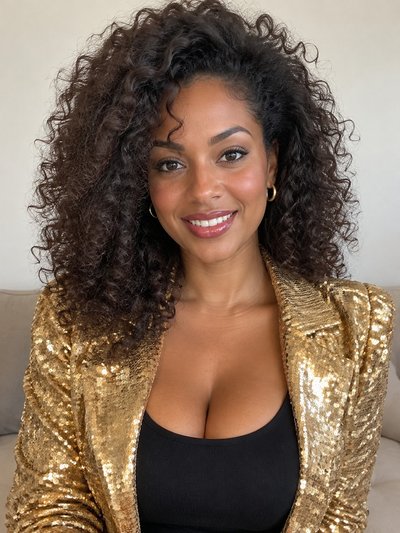
Standard with all five spots filled
End of the band shot, the laugh and the start of the sax, all five musicians new.
Full, start to finish
All 19 seconds with a curly-haired singer and four friends.
Lite, free with a new account
Four seconds of the laugh, lead only.
Inside the band shot
Keys and two backing singers, each from its own picture.
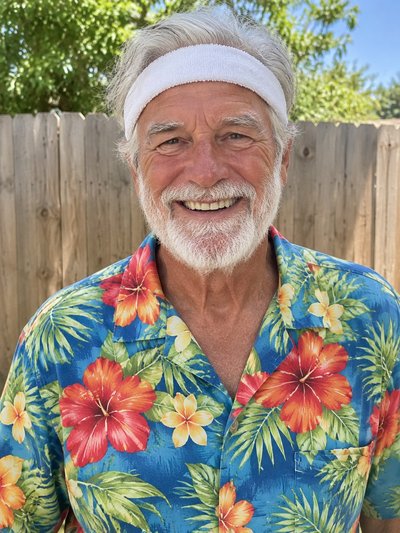
Sax solo, recast
Saxophonist and corner keyboard player, both recast.
Untouched original
The clip as it circulated.
The Tiny Desk concert AI cut, second by second
Six stills from one Full Tiny Desk concert AI render: the original's angles, cuts and pacing, with uploaded faces.
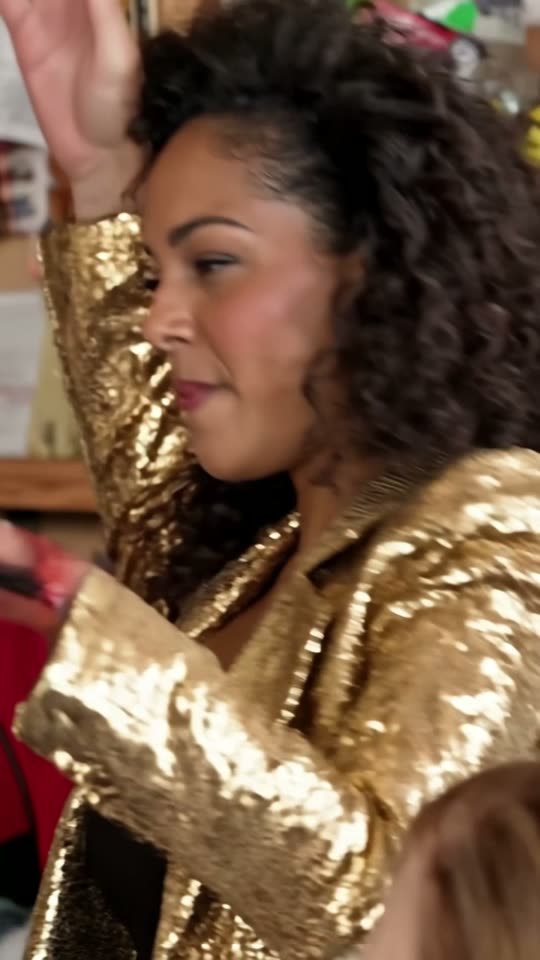
0–1.4 s
Side-on opener
The lead sings in profile until the first cut.
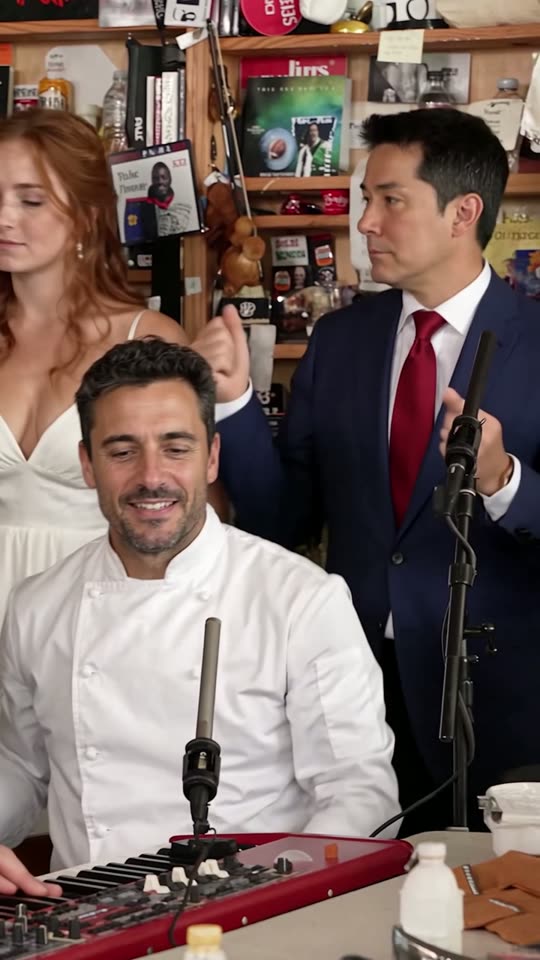
1.4–6.7 s
The packed desk
Keys up front, two backing singers at the back; no lead here.
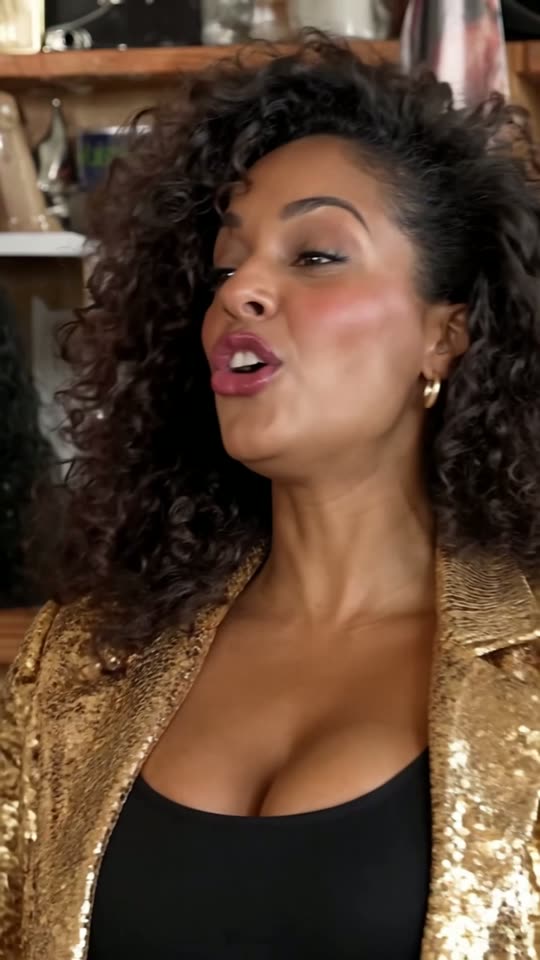
6.7–9 s
Turning to camera
The framing tightens as the lead swings toward the lens.
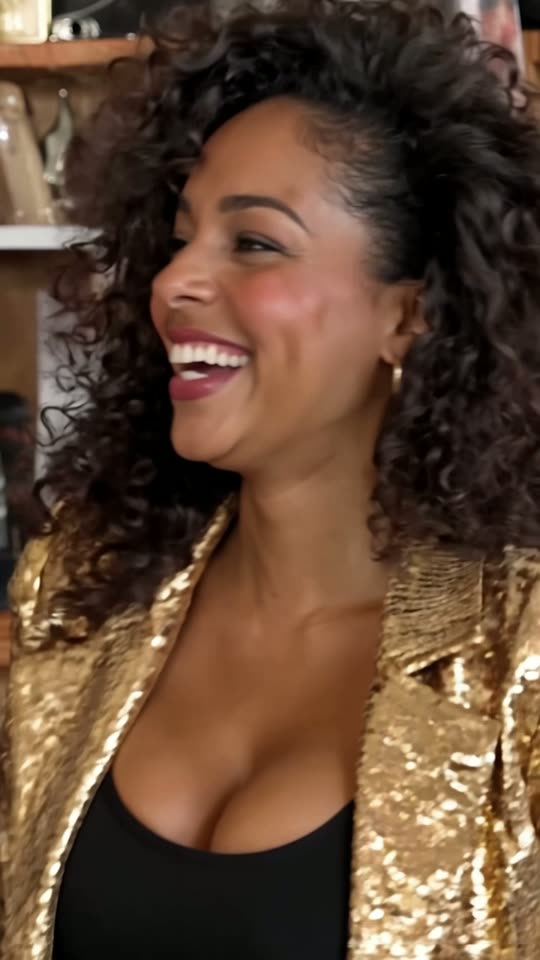
9–13 s
The big laugh
The title word, then the laugh; Lite covers this stretch.
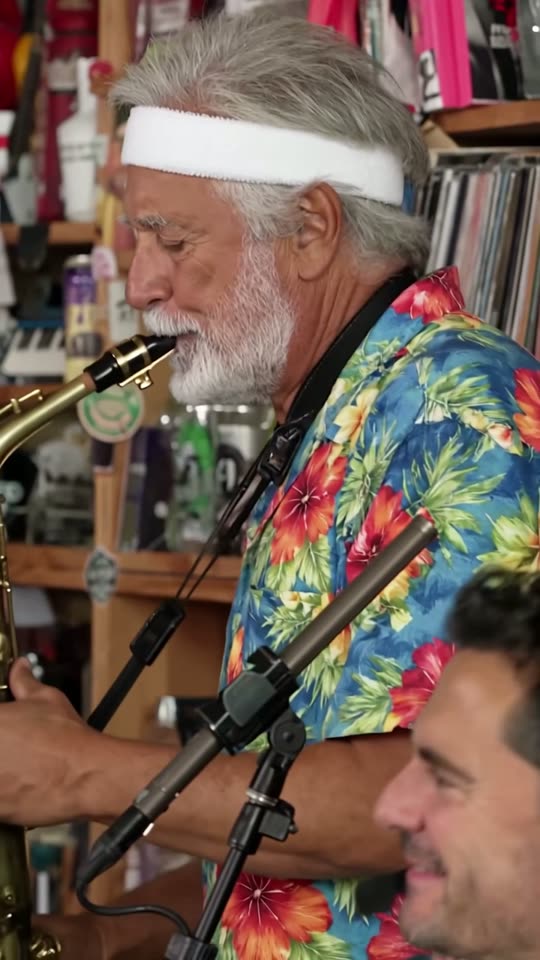
13–16.4 s
The saxophone break
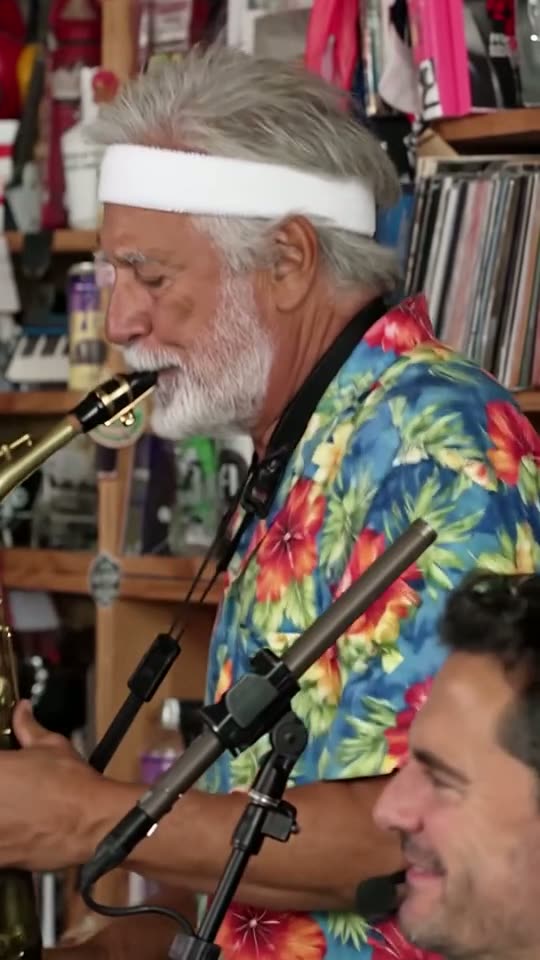
Sax fills the frame, keys blurred up front.
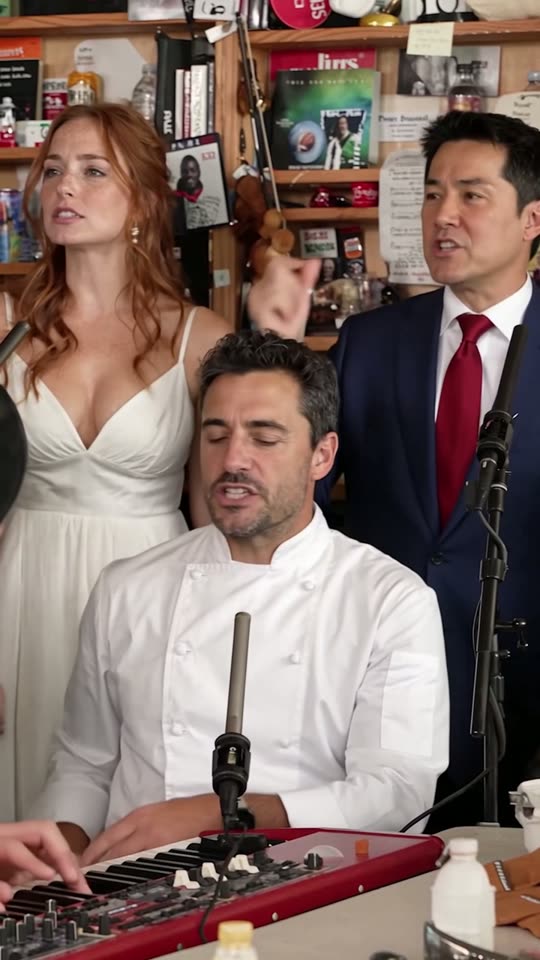
16.4–19 s
Whole band again
One closing wide view of the desk.
Why use this Tiny Desk AI generator instead of editing by hand
Editing by hand means hunting for clean footage, replacing faces shot after shot and keeping the audio aligned. Tiny Desk Outstanding AI hands you the clip preloaded as a Tiny Desk AI template; you only decide the photos and the length.
All five swaps in a single render
Each photo is pinned to its spot, so the whole band changes in one pass.
The blurred keyboard player too
Blurred in front of the sax solo, the keys player keeps the new face from the band shots.
Audio straight from the clip
Every version plays the original "Outstanding" recording, so the laugh hits on the beat.
Three steps to a Tiny Desk Outstanding AI video
No app and no prompt; any phone or desktop browser works. Lite takes about three minutes, Standard and Full usually 4 to 12. The guide on how to make Tiny Desk AI video explains what to change when a result looks weak.
1. Cast the band
Tap a musician's face and upload a photo of the person taking that part. Only the lead is required.
2. Choose a length
Lite is the 4-second close-up of the lead; Standard (10 seconds) and Full (19) feature everyone you cast.
3. Save and share
Download the vertical MP4, post it to TikTok, Reels or Shorts, and switch on the AI-generated content label.
Before you upload
Photos that work best in Tiny Desk Outstanding AI
One upload becomes one musician, so each picture needs a single clear face.
Do

Sharp, facing forward
Both eyes in focus, looking at the lens.
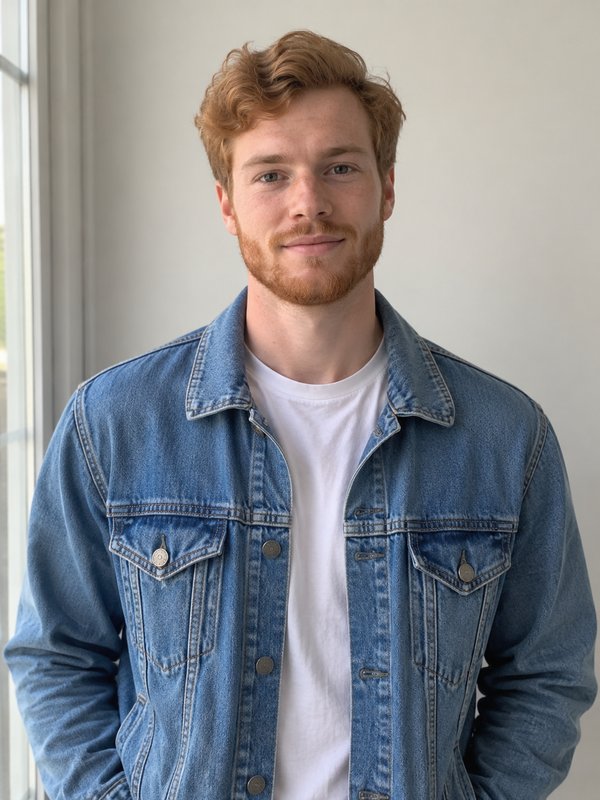
Soft, even light
Front daylight keeps skin tones true.

Show the outfit
Waist-up framing gives the AI clothes to work with.
Skip
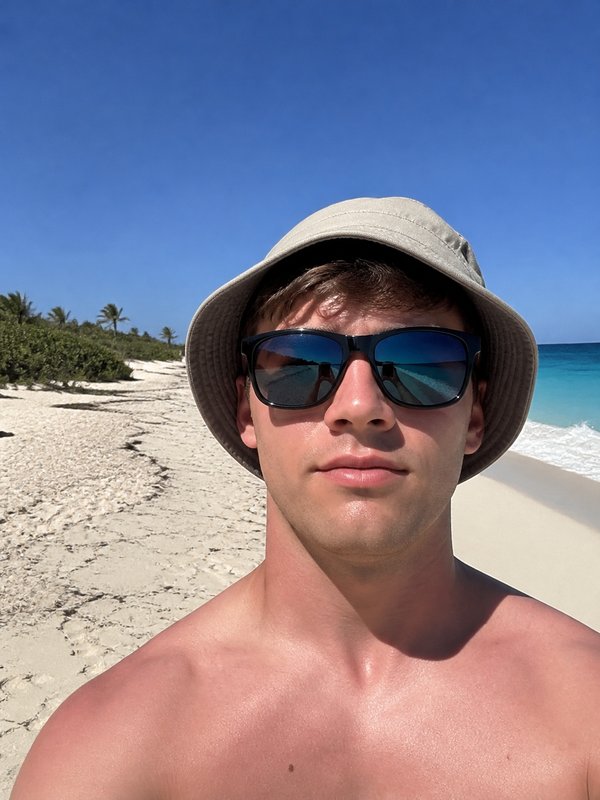
Shades or low caps
Hidden eyes force the AI to guess.
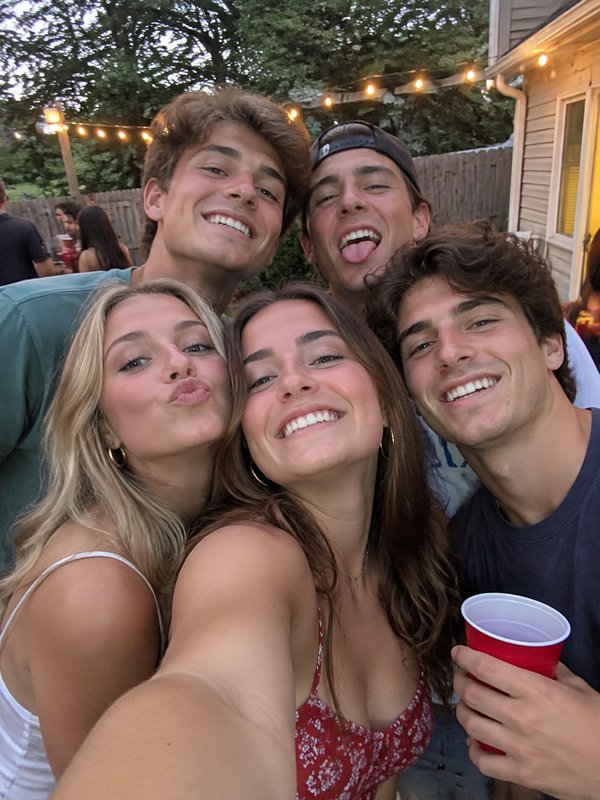
Several people
Faced with a group, the AI cannot tell whom you meant.
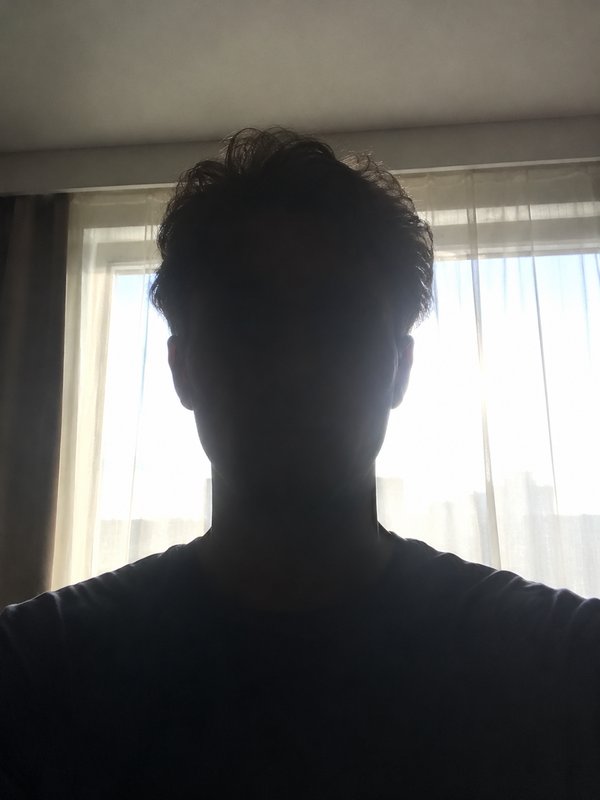
Light behind the face
A bright window turns the person into a dark outline.
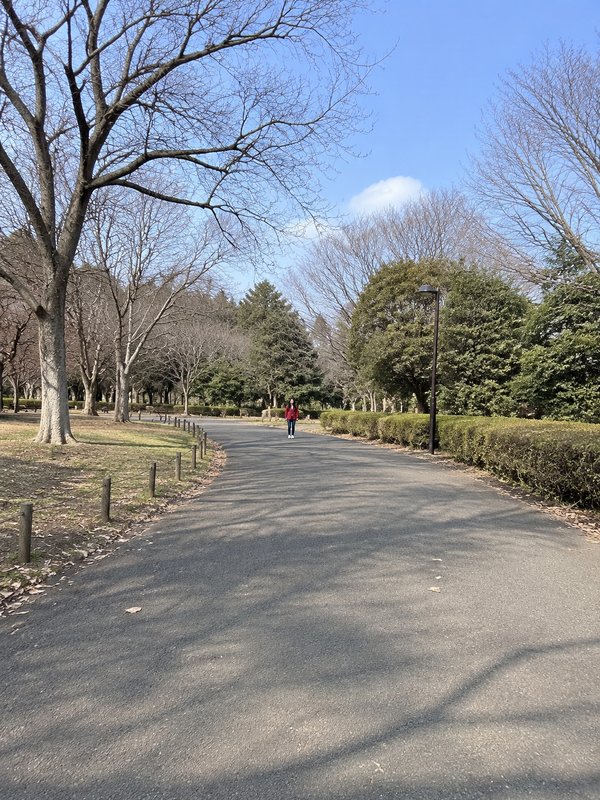
Shot from far off
A face that small carries too little detail.
Five parts you can cast, and who each one replaces
The generator shows each part with the original performer's face, so you know whom a photo replaces. Casting ideas for your fantasy league or rec team are on the Tiny Desk football page.
Lead vocals, required
Opening profile plus the laughing close-up, and the only part Lite renders.
Sax
Plays the saxophone solo that follows the laugh.
Keys
At the keyboard in the band shots, then up front during the sax solo.
Backing vocals, left
Left of the pair behind the keyboard.
Backing vocals, right
Right of the pair behind the keyboard.
Unfilled parts
A part with no photo keeps its original musician, so the band has no gap.
Lite, Standard or Full: three lengths of Outstanding AI video
Pick an Outstanding AI video by how much of the clip you want; all three are vertical with the original sound. Credits per video and plans are on Tiny Desk Outstanding AI pricing.
| Lite4-second clip | Standard10-second clip | Full19-second clip | |
|---|---|---|---|
| Who can be in it | Just the lead | Lead plus up to four | Lead plus up to four |
| Shots included | Only the laughing close-up | Band shot end, close-up, sax start | Profile, band, close-up, sax, band again |
| Video quality | 480p | 720p | 720p |
| Best for | Trying it free | A typical post | The complete viral cut |
Tiny Desk Outstanding AI FAQ
Quick answers on photos, lengths, credits and the concert behind the clip.
What is Tiny Desk Outstanding AI?
Tiny Desk Outstanding AI is a Tiny Desk AI generator that recasts the viral Outstanding desk concert clip with people you pick. Add a lead singer photo, plus up to four more for the other musicians, and it returns a vertical MP4 of the footage with those faces and the band's own audio. Nothing to type or install.
How many friends fit in one Tiny Desk Outstanding AI video?
Five in all: you on lead vocals plus four friends on sax, keys and the two backing vocal spots, one photo each. Standard and Full show the whole band, so everyone you cast appears; Lite is the close-up and uses only the lead photo. Parts left empty keep the original musicians.
Can I make an Outstanding Tiny Desk AI video for free?
Yes, one. Signing up adds 20 credits to a new account, which pays for one Lite video at 480p: the 4-second close-up with your lead photo. Standard and Full use credits from a plan or pack, and the Generate button shows the cost first. Details at Tiny Desk AI free.
How long does a render take, and do failed ones cost credits?
Lite is usually ready in about three minutes; Standard and Full take roughly 4 to 12, since more people are swapped across more shots. A render that fails or is blocked by the content filter is never charged; the credits come back for another try.
Did Charlie Wilson really sing Outstanding at a Tiny Desk?
Yes. In June 2023 Charlie Wilson played a Tiny Desk Concert for NPR Music and finished with "Outstanding", The Gap Band's 1982 hit; the laughing singer in the original footage is him. The viral clips are AI edits of roughly 19 seconds from the song's opening, cropped to vertical. The full concert is on NPR's website and YouTube channel.
Is this made by NPR or Charlie Wilson?
No. Tiny Desk Outstanding AI is an independent fan project, not affiliated with NPR, the Tiny Desk Concerts series, Charlie Wilson or The Gap Band. It edits a short excerpt so anyone can join the trend, while NPR films and publishes Tiny Desk and keeps the complete concert on its channels.
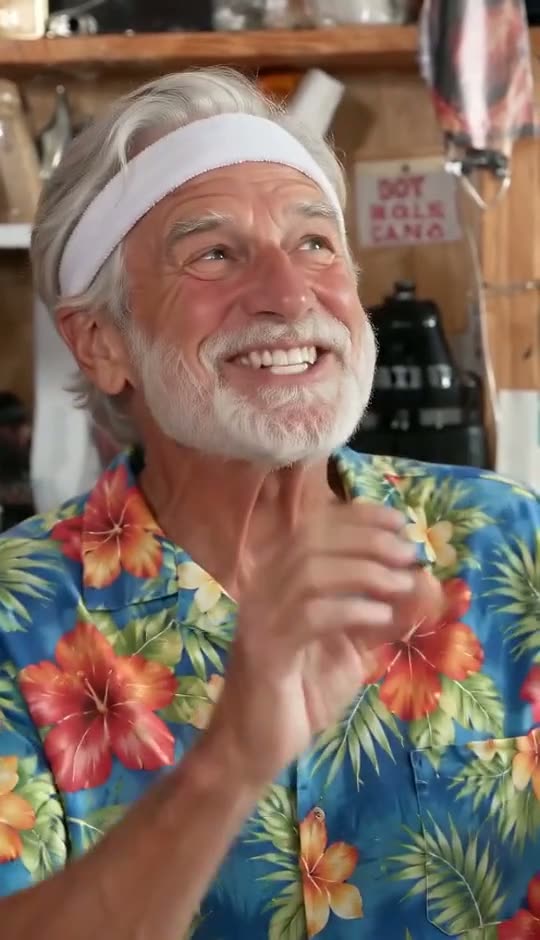
Put your crew in the band with Tiny Desk Outstanding AI
A single lead photo gets you a free Lite clip; fill all five parts for the whole 19 seconds. Failed renders are never charged.