

Tiny Desk AI Free: Make Your First AI Video With Sign-Up Credits
Lead vocals
Required
Sax
Not in Lite
Keys
Not in Lite
Backing left
Not in Lite
Backing right
Not in Lite
Tap a face to upload the person who replaces them. Spots you leave empty keep the original performer.
A failed render costs you nothing.

Add a photo, pick a length, then press Generate.
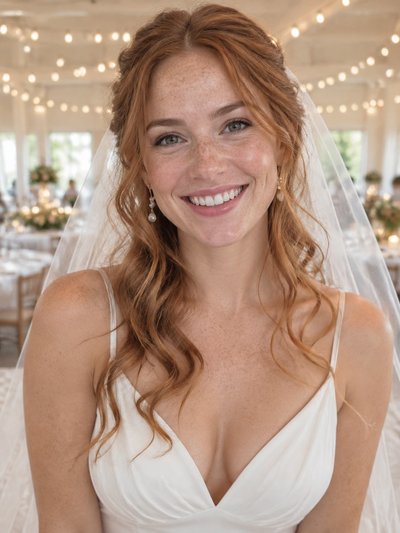
The free close-up next to the paid ones
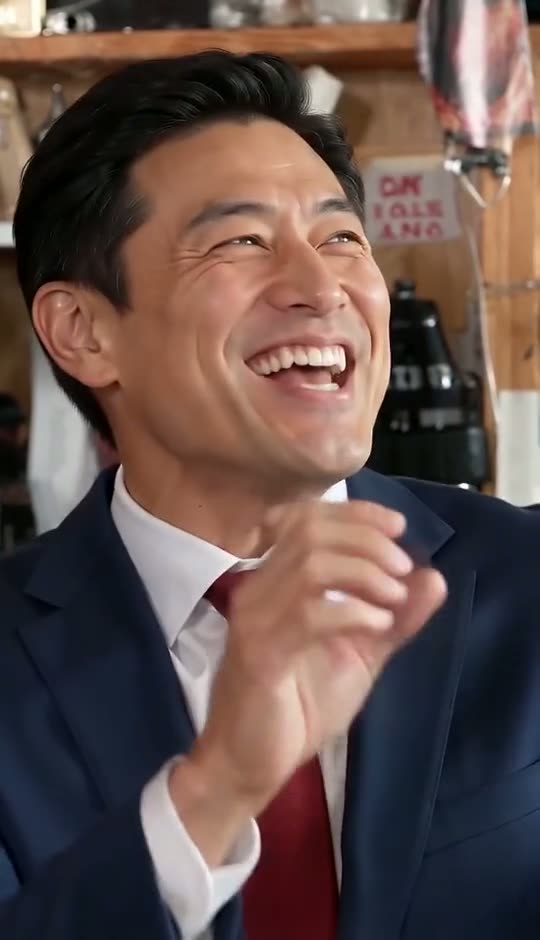
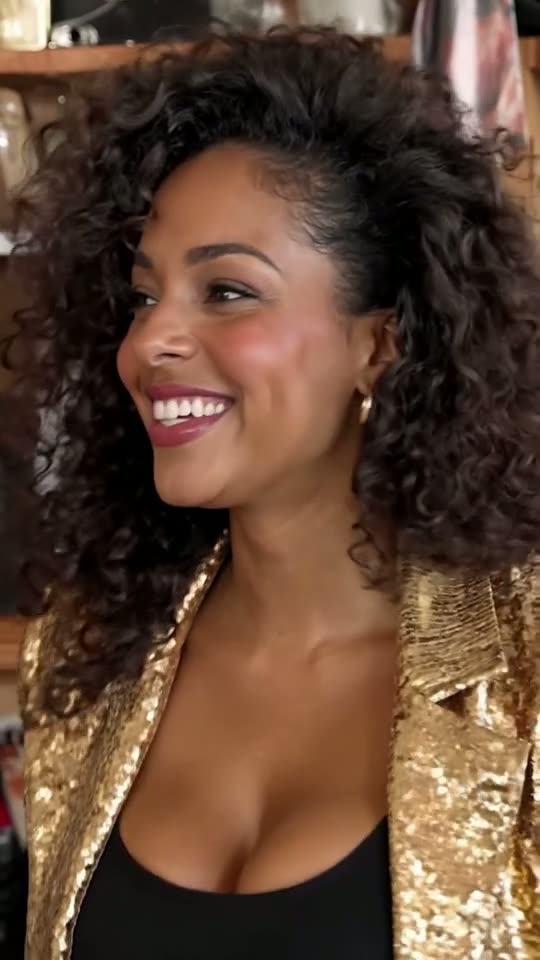
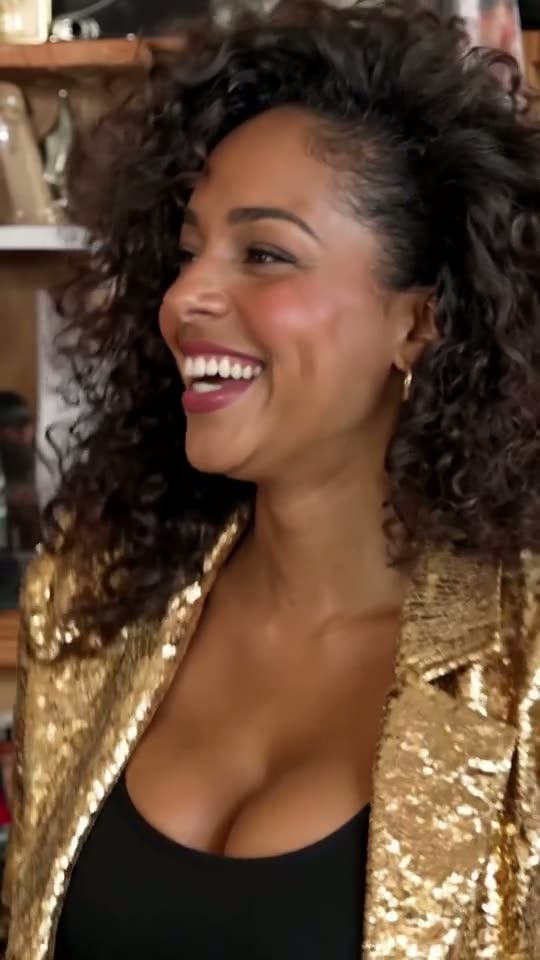
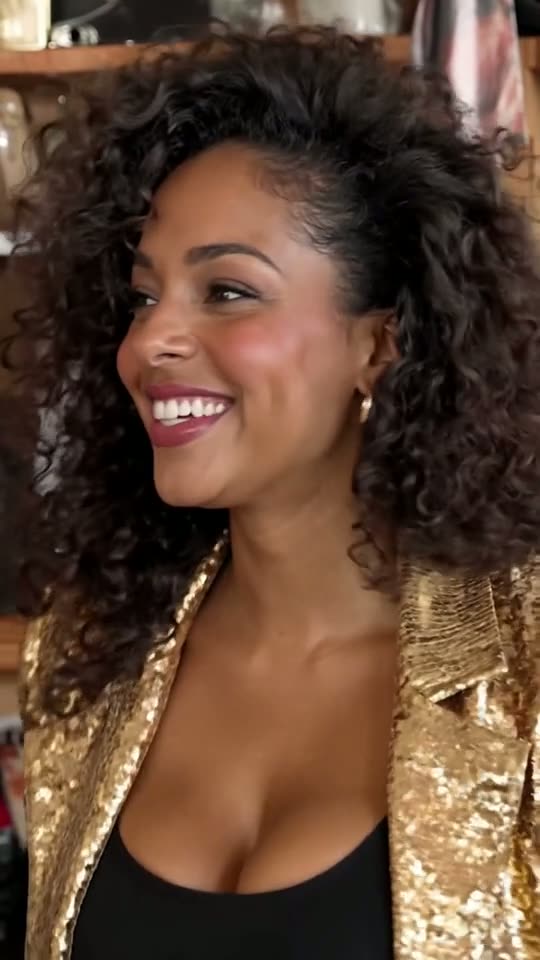
Card one is a Lite render, the kind your sign-up credits buy. The other two share one lead photo at 720p, from Full and Standard, to compare resolutions.
Lite, paid with free credits
480p, 4 s, lead singer only
Full, identical photo
720p laugh taken from the 19 s cut

Standard, same face
720p laugh taken from the 10 s cut
Is Tiny Desk AI free? What the 20 credits make
Tiny Desk AI free on this site means one batch of 20 credits added when you register, which pays for exactly one Lite render. It runs on the same Tiny Desk Outstanding AI generator as the paid versions: same upload screen, same clip, same band audio.
- The laugh, four secondsOnly the big close-up: the head turn, the word "Outstanding" and the laugh. A render takes about three minutes.
- One face: the leadOne photo, for lead vocals. Sax, keys and both backing singers stay as the original performers.
- 480p resolutionThe paid versions are 720p, so expect a softer picture, most visible on a big screen.
- Sound and format includedYou still get the band's own audio in an upright 9:16 MP4 you can post straight to TikTok, Reels or Shorts. It runs in the browser, with nothing to install or type.
What Tiny Desk AI free credits leave out
Two things need paid credits: more than one face, and any cut longer than the close-up. Here is what the two longer versions add.
Full: the original 19-second cut
Every shot of the viral clip in order: the singer in profile, the band around the desk, the laughing close-up, the saxophone solo, then the band one last time. Up to five people, 720p, 200 credits.
Standard: 10 unbroken seconds
The tail of the band shot, the whole close-up and the first seconds of the saxophone solo in one continuous stretch, so the music never skips. 100 credits, 720p, as many as five people.
Room for four friends
The saxophonist, the keyboard player and the two backing vocalists can each get a face from one photo, but only in Standard or Full. That is how you cast a fantasy league or a rec team, as in the Tiny Desk football edits.
How to get a better free Tiny Desk AI video
The sign-up credits cover one render, so the photo decides the result. Our how to make Tiny Desk AI video walkthrough covers the full process, paid versions included.
1. Choose the lead
Your one free face goes to the singer, so pick the person your friends will spot instantly. They must be an adult who said yes; children, celebrities, coaches and other public figures are not allowed.
2. Pick a sharp photo
The whole Lite clip is a close-up, so detail matters. Use a head-and-shoulders or waist-up shot facing the camera, in good light, with no sunglasses or strong filter, and one person in the frame.
3. Download and label it
Save the MP4 when the render is done, then turn on the platform's AI-generated tag while posting to TikTok, Instagram or YouTube.
What outstanding Tiny Desk AI free offers tend to hide
Plenty of sites promise a no-cost version of this trend. Look for these catches before you upload a photo.
A sample instead of a file
Some free tiers trim the length, lower the resolution or lock the download.
Slow lanes
Free jobs often wait behind paying customers, and queues grow longest while a trend is at its peak.
Failures that still count
Tools that cap free tries may count a failed one too. Here, credits for a failed or filtered render go straight back to your balance.
Bring your own clip
Generic face-swap apps leave you to find the trend video and add the band's sound yourself.
Templates you still have to fill
A free CapCut-style template only arranges the clips you supply. Our Tiny Desk AI template page explains how a preloaded version differs.
A card at sign-up
Some trials ask for a card and roll into a paid plan if you forget to cancel.
Tiny Desk AI free credits vs the cheapest paid options
Four starting points, from nothing spent to the whole band on screen. The yearly plans, the $49.99 pack and the Studio plan are listed under Tiny Desk Outstanding AI pricing.
| Free creditswhen you sign up | Small packpay once | Starterbilled monthly | Probilled monthly | |
|---|---|---|---|---|
| Price | $0 | $4.99 | $9.99 / month | $24.99 / month |
| Credits | 20, one time | 35 | 100 every month | 300 every month |
| Covers | 1 Lite | 1 Lite + 15 spare | 1 Standard | 1 Full + 1 Standard |
| Longest version | Close-up, 4 s | Close-up, 4 s | 10 s | 19 s |
| Faces | Lead singer | Lead singer | 1 to 5 | 1 to 5 |
| Picture quality | 480p | 480p | 720p | 720p |
| Failed render | Credits back | Credits back | Credits back | Credits back |
Questions about free credits, packs and plans
Is Tiny Desk AI free?
Your first video is. Every new account gets 20 credits once, and a Lite render costs exactly 20: the 4-second laughing close-up at 480p with your photo as the lead. Standard (10 seconds) and Full (19 seconds), which fit four friends, are paid from plan or pack credits.
Can I use Tiny Desk AI free without signing up?
No. The 20 credits land in a new account, so registration comes first. That account also tracks your renders: if one breaks or gets blocked by the filter, its credits are restored there automatically, so a broken attempt never uses up your free video.
Can friends join a free Tiny Desk AI video?
No. The free credits cover Lite, and Lite swaps only the lead singer. The saxophonist, the keys player and the two backing vocalists change only in Standard or Full. Standard is the cheaper of the two at 100 credits, the amount the $9.99 Starter monthly plan adds each month.
What happens if my free render goes wrong?
A failed or filtered render costs nothing: the 20 credits return, and you can try again with a better picture. If it finishes but you dislike the look, the credits are spent, so check the photo first: sharp, facing forward, well lit, no sunglasses.
Does the $4.99 pack unlock the band?
No. It adds 35 credits, which pays for a second Lite and leaves 15 over. A Standard render needs 100, so the pack cannot cover one. For friends in the video, the $9.99 Starter monthly plan is the cheapest way in, with 100 credits each month.
What is the cheapest route to the full 19-second clip?
Full uses 200 credits. Pro costs $24.99 a month for 300 credits, which buys one Full and one Standard. Without a subscription, the $49.99 pack gives 350. Paying for a year puts every credit in your balance up front: Starter yearly is $89.99 for 1,500 credits, or seven Full videos with 100 credits left.
Does the Tiny Desk AI free offer come from NPR?
It does not. Tiny Desk Outstanding AI is a fan-built tool with no affiliation with Charlie Wilson, The Gap Band, NPR or its Tiny Desk Concerts series. The 20 sign-up credits come from this site alone and pay for a short AI edit of the viral clip with your face as the singer.
Turn Tiny Desk AI free credits into your own laugh shot
One sharp photo of your lead singer is all the free version asks for. Add friends later, when you want the full band.