

How to Make Tiny Desk AI Video From a Few Photos
Lead vocals
Required
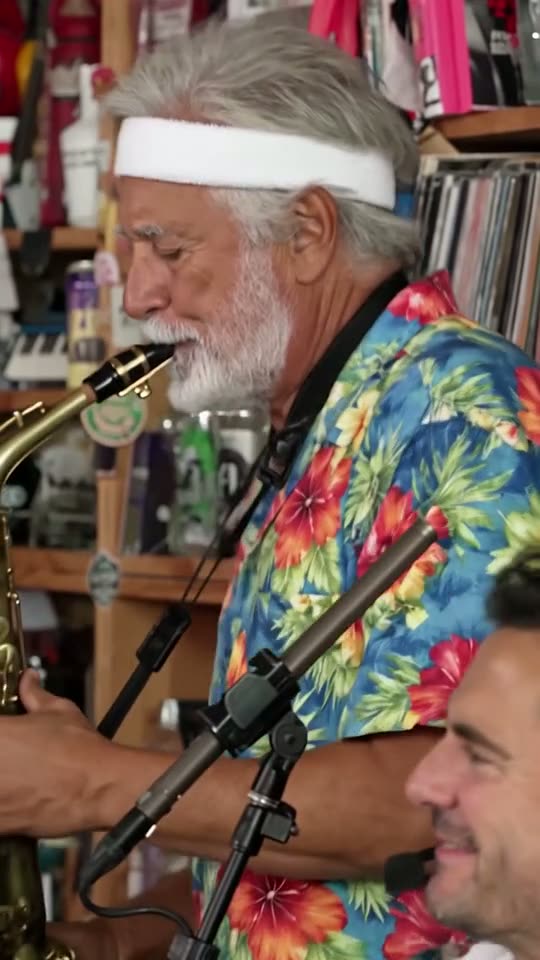
Sax
Not in Lite
Keys
Not in Lite
Backing left
Not in Lite
Backing right
Not in Lite
Tap a face to upload the person who replaces them. Spots you leave empty keep the original performer.
A failed render costs you nothing.

Add a photo, pick a length, then press Generate.
One test render for each version
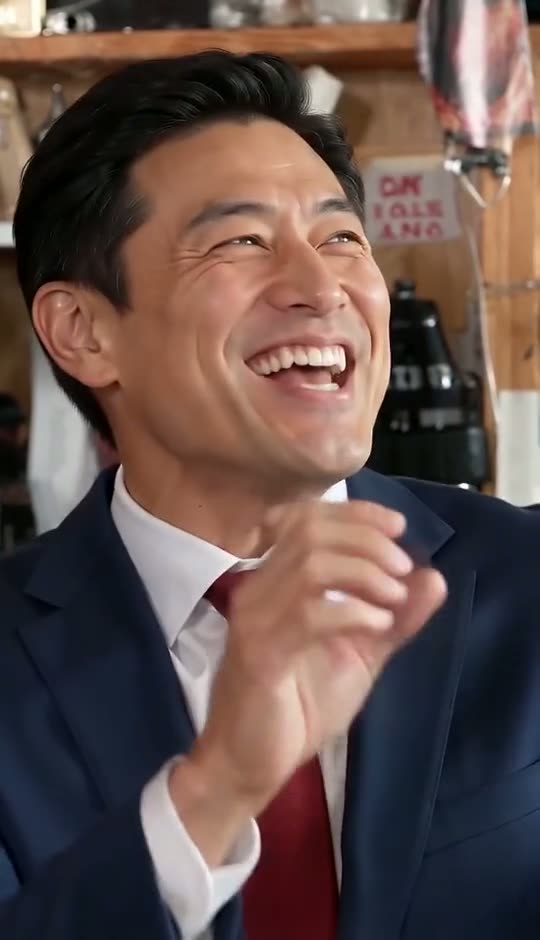
Faces come from AI-generated test portraits. Tap to unmute.
Standard · 10 seconds
Five new faces, band shot into sax solo
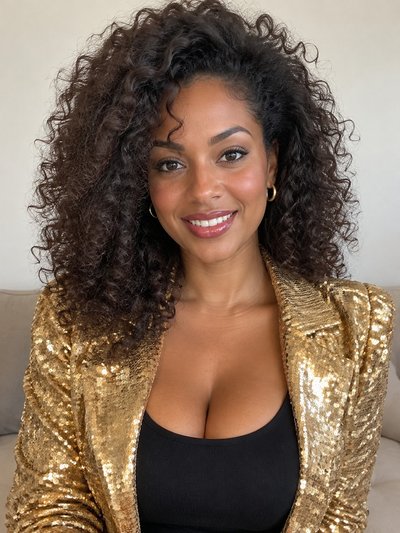
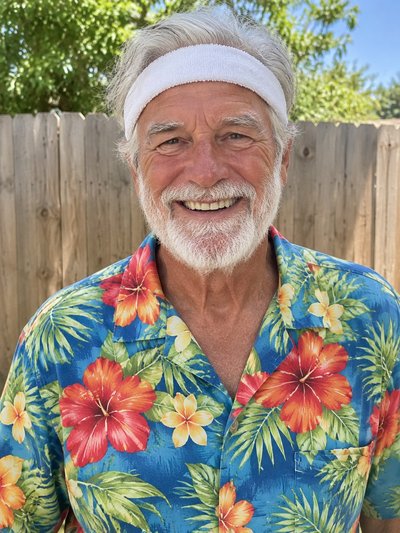

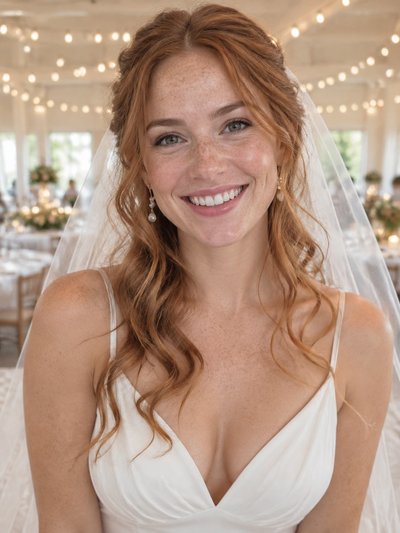

Lite · 4 seconds
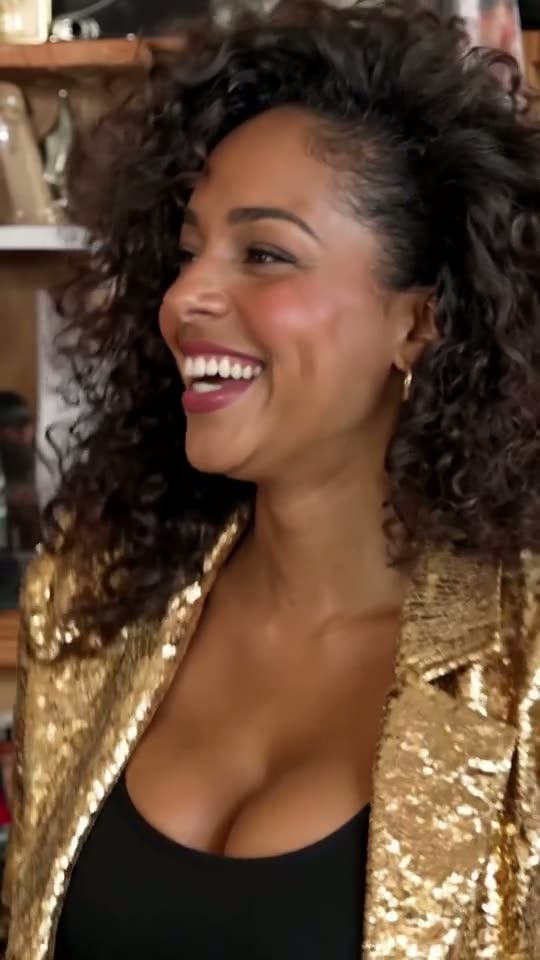
The lead alone: the turn, the title word, the laugh
Full · 19 seconds
Every shot of the viral cut, five musicians swapped
How to make Tiny Desk AI video: the three routes
Most answers to how to make Tiny Desk AI video fall into three routes: rebuild it with a motion-transfer tool, fill a template or editor, or upload photos to Tiny Desk Outstanding AI. They differ most in what a bad shot costs you.
- Route 1: rebuild it by handThe creator of the first viral edit told an interviewer he cropped a 30-second stretch of the concert to vertical and swapped faces with Higgsfield's motion transfer. Misses mean re-renders.
- Route 2: a template or a multi-clip editorA CapCut-style template gives you someone else's cuts to fill; an editor lets you split the clip and swap each shot yourself.
- Route 3: photos in, finished clip outHere the AI edits the trend clip itself: one photo per part, while desk, room, cuts and sound stay put. Sign-up credits cover one Lite render; see Tiny Desk AI free.
Which photo lands in which shot
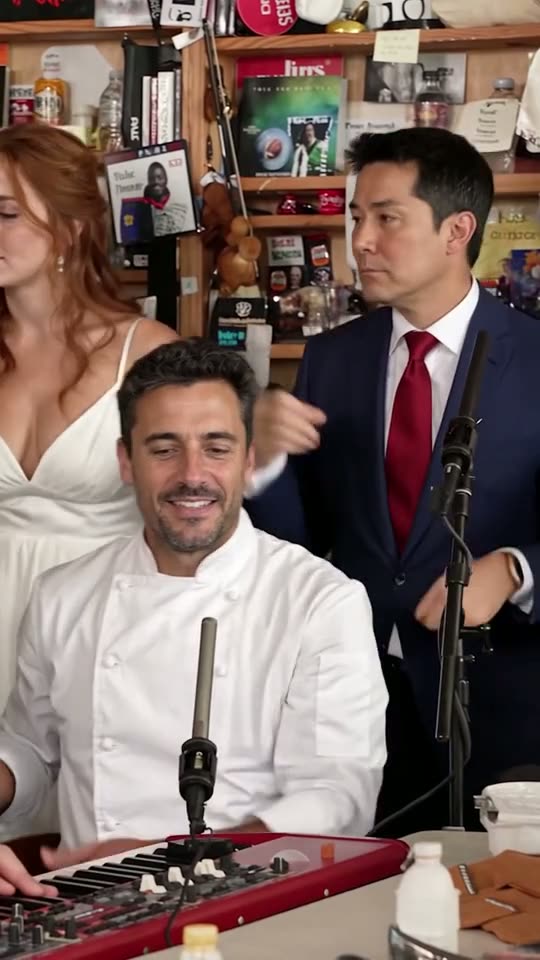
Cast by screen time: the clip runs profile, band, close-up, sax solo, band again.
Keys and the two backing singers
Keys plays up front in the band shots, the backing pair behind. Standard shows the tail of that shot; Full shows it twice.
Keys, a second time
During the sax solo, the keyboard player reappears, blurred in the lower corner. One upload covers both.
Lead vocals: the shot everyone replays
The lead turns, sings "Outstanding" and laughs, filling the frame. Lite is this shot alone; Full also opens on the lead in profile.
How to make Tiny Desk AI video here in three steps
It runs in the generator above, in any phone or computer browser, with nothing to install or type. Credits per version: Tiny Desk Outstanding AI pricing.
1. Cast the parts
Tap a part to see whose face you replace, then add your friend's photo. Lead vocals is the one you need; the rest can stay original.
2. Choose the version
Lite: 4-second close-up, lead only, 480p. Standard: 10 unbroken seconds, band into sax solo. Full: all 19 seconds. Both longer ones are 720p, up to five people.
3. Generate and post
You get a vertical 9:16 MP4 with the clip's own sound. Switch on the platform's AI-generated label when posting.
Before you upload
Photo checks that save you a retry
Face, hair and clothes come from one picture per part.
Use photos like these

Facing the camera
Both eyes open and sharp.
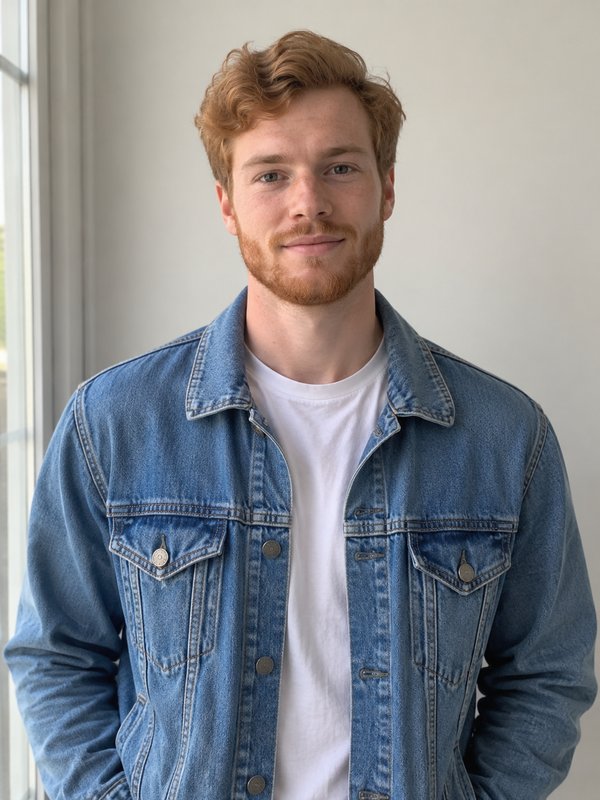
Even daylight
Front light keeps skin natural.

From the waist up
Gives the AI an outfit to copy.
Leave these out
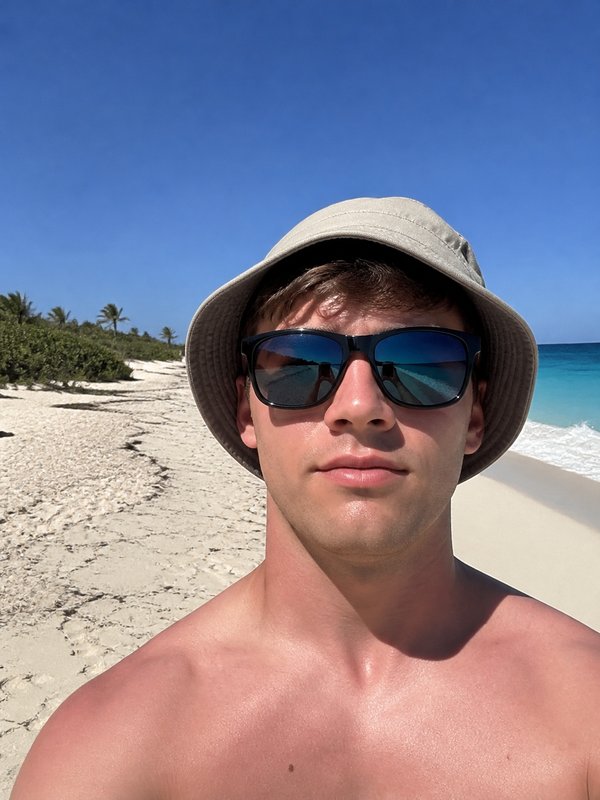
Sunglasses
Hidden eyes get guessed, rarely well.
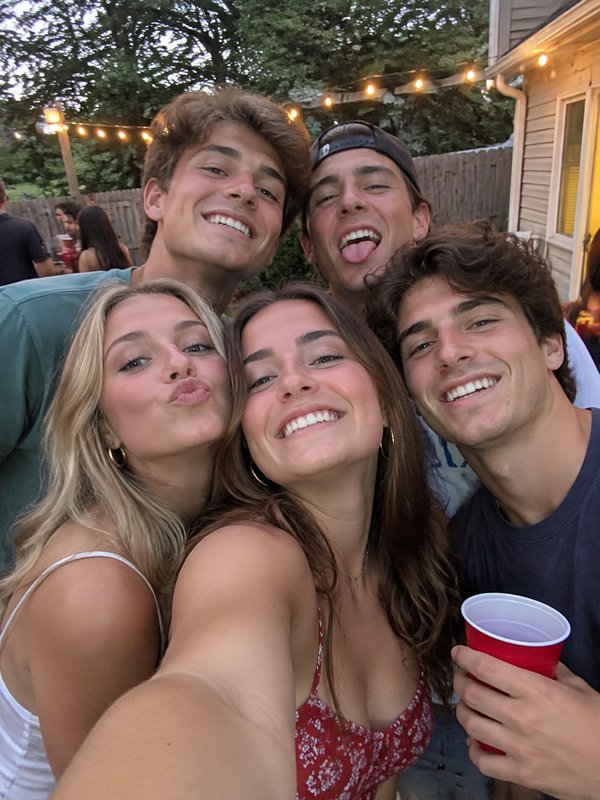
Group shots
Several faces; the AI may pick the wrong one.
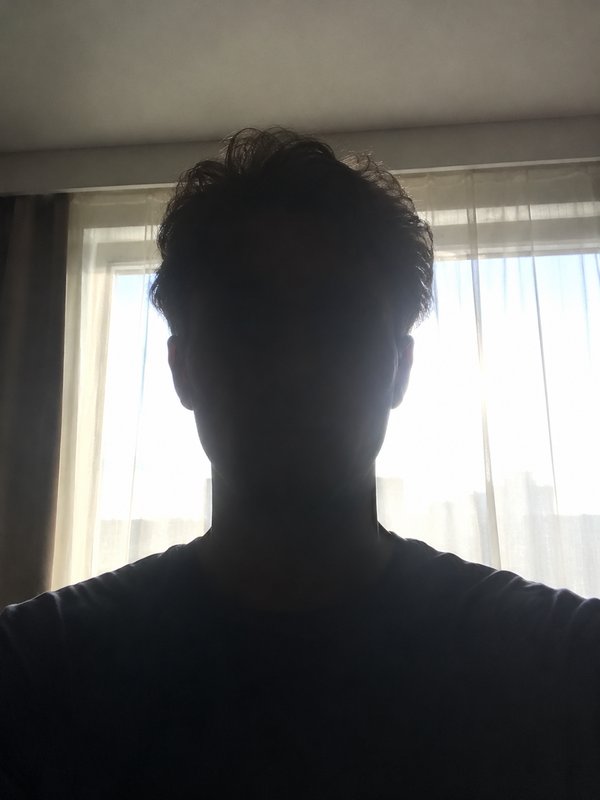
Backlight
A bright window behind darkens the face.
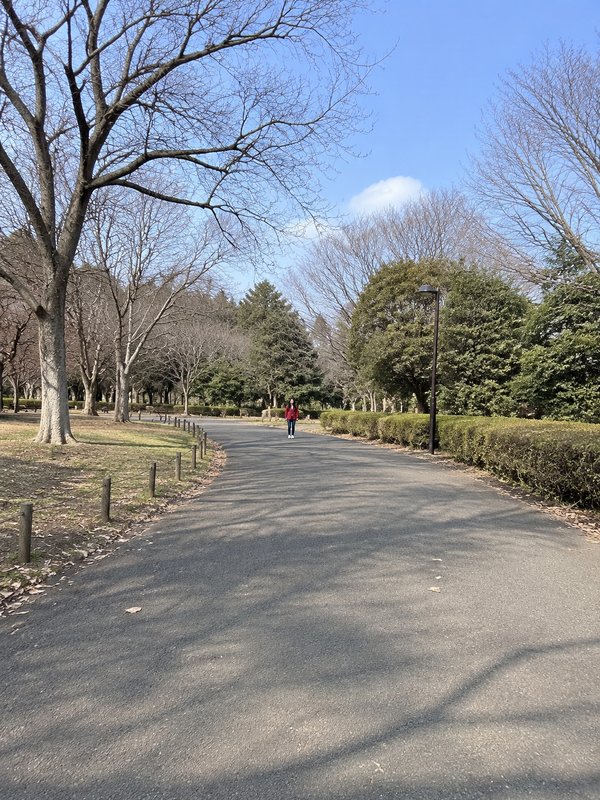
Distant figures
Too few pixels of face to work from.
What goes wrong on each route, and the fix
Every route can miss; what differs is the cost of a retry. The Tiny Desk AI template page compares ready-made and editor templates.
Tiny Desk Higgsfield edits: one shot at a time
Motion transfer animates a still with a reference video's movement. Shot by shot, a face can drift between close-up and band; each fix is another render.
Tiny Desk CapCut templates: built by someone else
The cuts and music are its maker's choice; you drop in photos or clips. Which faces it replaces, and how many, depends on that template.
The four-clip editor method: split, swap, stitch
Split the clip into its four distinct shots, swap faces in each, rejoin them over the original audio. A few frames off and the mouths slip out of sync.
A Tiny Desk AI prompt alone won't get the real set
Text-only prompts invent a different room, band and song; the viral look needs the actual clip edited.
Here: the lead doesn't quite look like them
Check the close-up, where the face is biggest. Retake that photo facing a window, then test it with Lite, the cheapest render.
Here: a failed or filtered render
It costs nothing; the credits come back. Replace any group shot, hidden face, child or public figure and run again.
How to make Outstanding Tiny Desk AI clips: the routes side by side
Outside tools change with updates; treat their columns as typical.
| Tiny Desk Outstanding AIphoto upload | By hand in Higgsfieldmotion transfer | CapCut or multi-clip editortemplate or timeline | |
|---|---|---|---|
| You start with | A photo per person | The cropped clip plus photos | A template or the split clip |
| Faces swapped | Up to five in one render | Usually shot by shot | Up to the template or you |
| The band's sound | Already in the MP4 | Often re-added in an editor | Set by the template or by you |
| When a shot misses | Failed renders cost nothing | Render that shot again | Re-cut or re-swap that part |
| Prompt to write | None | Sometimes | None for templates |
Tiny Desk AI video questions, answered
How to make Tiny Desk AI video using only a phone?
Open this page in the phone's browser; no app is involved. Tap a part, pick a picture from your camera roll, choose a version and press Generate. Minutes later the vertical MP4, band audio included, saves straight to your phone.
How to do Tiny Desk AI without editing skills?
Use a route that edits the clip for you. Here there is no timeline, no shot splitting and no prompt: desk, cuts and timing stay locked while only faces change. Building it yourself means cutting, swapping and re-syncing audio by hand.
What did the original Tiny Desk AI edit use?
According to an interview its creator gave, Higgsfield's motion transfer on a 30-second stretch of the concert cropped to vertical. The TikTok, posted on 18 October 2026, labels itself an AI parody and credits its source video and song, but names no tool. The Tiny Desk meme page tells how it spread.
Is there a quicker option than working out how to make Tiny Desk AI video by hand?
Yes: skip the timeline. Upload one photo per part here and the AI recasts the clip in a single render, cuts and sound still in sync. Expect a few minutes of waiting. A by-hand rebuild means one render per shot, plus your own stitching and audio work.
Can I change the song, the room or add a sixth person?
No. The clip's sound, desk, room and camera cuts stay as they are, and the cast stops at five: lead, sax, keys and two backing singers. For another background or new words, a video editor gives that freedom, at the cost of far more manual work.
Is Tiny Desk Outstanding AI linked to NPR or Charlie Wilson?
No. Tiny Desk Outstanding AI is a fan-made parody tool with no ties to NPR, its Tiny Desk Concerts series, Charlie Wilson or The Gap Band. It recasts the viral AI edit with your photos. The complete 2023 concert, closing with "Outstanding", is on NPR Music.
Skip the editing, cast the band
Test your lead with Lite, or fill all five parts.