
Tiny Desk AI Template: Turn Photos Into an Outstanding AI Video
Lead vocals
Required
Sax
Not in Lite
Keys
Not in Lite
Backing left
Not in Lite
Backing right
Not in Lite
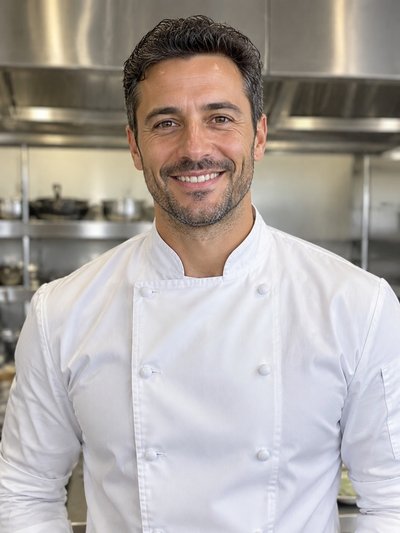
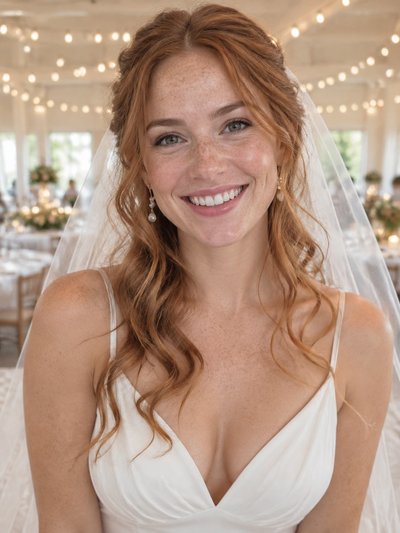
Tap a face to upload the person who replaces them. Spots you leave empty keep the original performer.
A failed render costs you nothing.
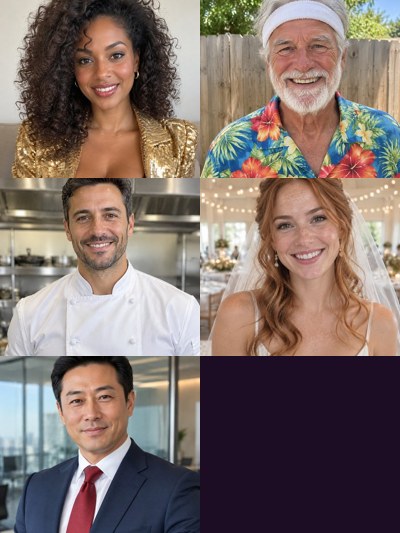
Add a photo, pick a length, then press Generate.
Same template, different people
The viral clip as posted, then renders made with this template from sample photos. Tap a card for sound and the input photos.
The original edit
As it went viral, for reference
Standard, every spot recast
10 seconds, five new people

Full, all 19 seconds
Side-on opening to the last band shot
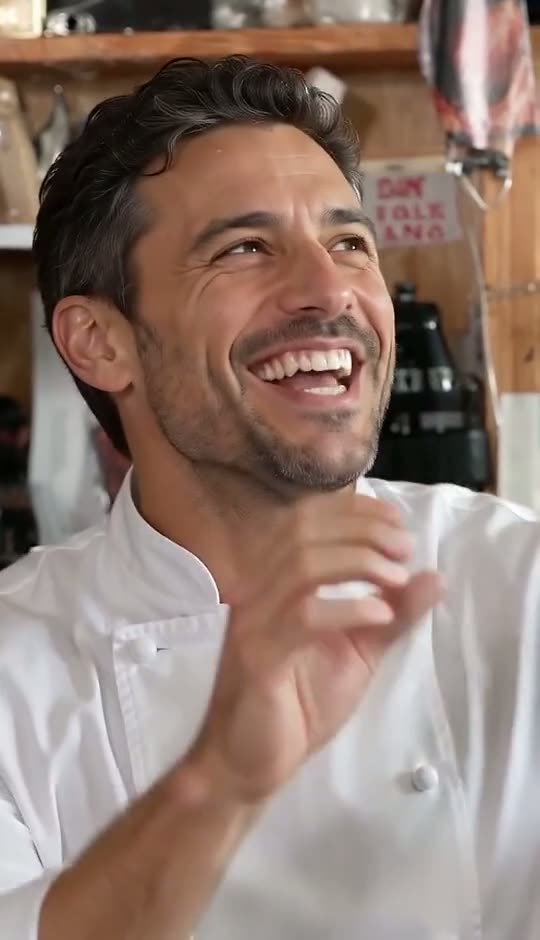
The sax spot up close
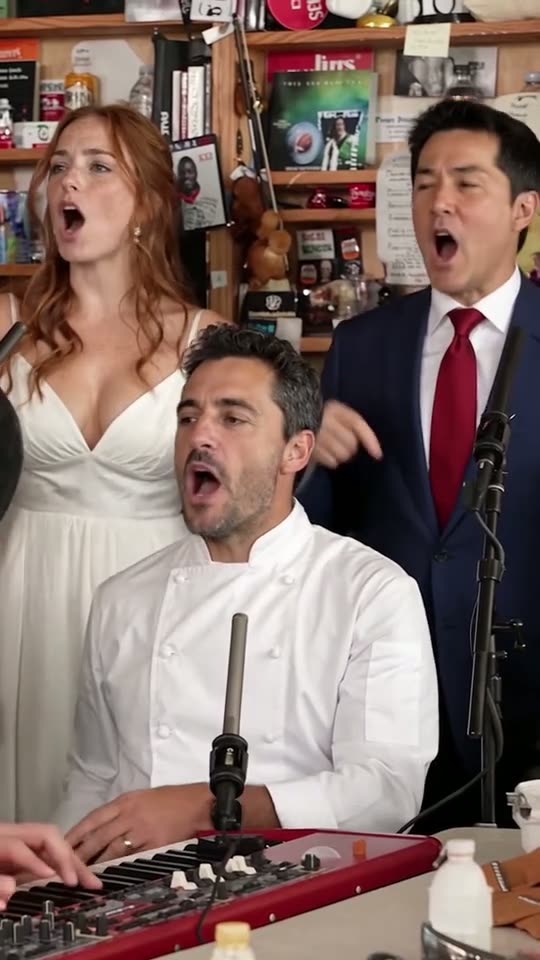
The solo, keys player in the foreground
Inside the Tiny Desk AI template: locked parts and open spots
A Tiny Desk AI template here means one finished edit of the Outstanding clip with five spots the AI fills from your photos. The structure is set before you arrive, as in an editor template, but no face is laid over the footage: the AI generates each new musician inside the moving shot. For the whole product, start at Tiny Desk Outstanding AI.
- Locked: the roomDesk, shelves, light and camera movement come from the original footage; whatever stands behind you in your photo is dropped.
- Locked: the editFive shots with hard cuts at 1.4 s, 6.7 s, 13.0 s and 16.4 s: singer side-on, band, laughing close-up, sax solo, band once more. How that sequence became a Tiny Desk meme is a story of its own.
- Locked: the audioThe band's own take on "Outstanding" plays under every version, already in sync. No song swap, no burned-in text.
- Open: lead vocalsThe one spot that always takes a photo: the singer in profile at the start and in the big close-up, turning to the camera and laughing.
- Open: four more spotsSax, keys and the left and right backing singers accept one photo apiece. An empty spot stays with the original musician, so the band always looks complete.
How a Tiny Desk template keeps every cast in sync
These loops come from the Full and Standard samples. A Tiny Desk template fixes camera and timing, so only the players change. Credit costs per version sit on the Tiny Desk Outstanding AI pricing page.
Band shot, Full cut
Full sample: the keyboard player and the two backing singers, each from a separate photo.
Solo for the sax spot
The sax spot owns the solo between 13.0 s and 16.4 s. Standard ends a couple of seconds in; Full plays it out.
Band shot, Standard cut
Standard sample: the same five test portraits cut to 10 seconds, catching the end of this shot with the same trio.
Using the Tiny Desk AI template in three steps
A phone or computer browser is enough: nothing to install, no prompt to write.
1. Fill the spots
Tap lead vocals and upload a photo, then tap any other musician you want gone. Best results: one adult, sharp, front-on, waist-up, good light, no sunglasses.
2. Choose a version
Lite reads the lead photo only. Standard and Full use every spot you filled, and the button shows the credit cost before anything starts.
3. Download and share
Renders take around 3 minutes for Lite and 4 to 12 for the longer two. Save the MP4 and tick the AI-generated content label on TikTok, Reels or Shorts. A render that fails or is blocked by the filter refunds its credits.
Lite, Standard and Full: three cuts of one Tiny Desk AI template
All three trim the same edit: choose by length and by how many friends should appear.
Lite · 4 seconds
Only the big close-up (the turn, the word "Outstanding", the laugh), lead photo alone, 480p. A new account's free credits pay for one, as the Tiny Desk AI free guide sets out.
Standard · 10 seconds
One unbroken stretch: the end of the band shot, all of the laughing close-up and the opening notes of the sax. Five people, 720p, and the music never skips.
Full · 19 seconds
The complete viral clip, side-on opening to closing band shot, so every spot you fill gets all of its screen time. Five people at most, 720p.
Outstanding Tiny Desk AI template or a Tiny Desk CapCut template?
The usual alternative is CapCut: a published template or your own edit of the clip. A Tiny Desk CapCut template places your media into slots its creator designed, and what it does with a still photo varies, so watch the preview first. Hand-built routes are compared in how to make Tiny Desk AI video.
| Tiny Desk Outstanding AIphotos in, AI recasts the band | CapCut templatebuilt by whoever published it | Manual editCapCut or any other editor | |
|---|---|---|---|
| What you supply | One to five photos | Media for each slot | The clip plus your editing time |
| Faces inside moving shots | Generated by AI, one per spot | Varies by template | Requires a separate face-swap tool |
| Captions, stickers, extra clips | Added in the app when posting | Only where slots exist | Anything you like |
| Audio | The clip's own, synced already | Chosen by the publisher | You import and align it |
| Duration | 4, 10 or 19 seconds | Set by the template | As long as you cut it |
Tiny Desk AI template FAQ
What is the Tiny Desk AI template?
It's one fixed edit of the viral Outstanding clip: room, camera cuts and sound never change, while five musicians can be replaced. You give a lead-vocals photo and, if you like, photos for sax, keys and both backing singers. Anyone you leave out stays exactly as filmed.
Is there a Tiny Desk CapCut template?
CapCut users publish templates for many trends, so searching its library for "Tiny Desk" or "Outstanding" is worth a try. Before using one, check the preview: does your face move inside the shots or sit on top as a still, and does the band's sound come with it?
How many friends can join the Tiny Desk AI template?
Four, plus you on lead vocals, for five people in total. Lite is the close-up alone, so it uses only the lead photo. Standard and Full place everyone you add, and a spot you skip simply keeps its original musician.
Can I change the background or the room?
No. Desk, room, light and camera movement belong to the template and look identical in every render. Only the people you replace change, so your photo's own background never shows and any well-lit corner works. If you need a different setting, this template is the wrong tool.
Can one group photo fill several spots?
No. Every spot needs its own photo of a single adult, and a group shot leaves the AI guessing which face goes where. Ask each friend for a clear selfie, and only upload people who agreed to appear; children and public figures are not allowed.
Can I add text, lyrics or another song?
Not in the render. The page has no box for words or prompts, and the audio is always the band's take on "Outstanding". Add captions in TikTok, Instagram or YouTube after downloading; editing them there never costs a new render.
Does the Tiny Desk AI template come from NPR or CapCut?
No. Tiny Desk Outstanding AI is a fan-made tool built independently, with no ties to NPR or its Tiny Desk Concerts, nor to Charlie Wilson or The Gap Band. CapCut is not involved either: we built the template ourselves from the viral clip so your own cast can replace the band.
Put your friends behind the desk
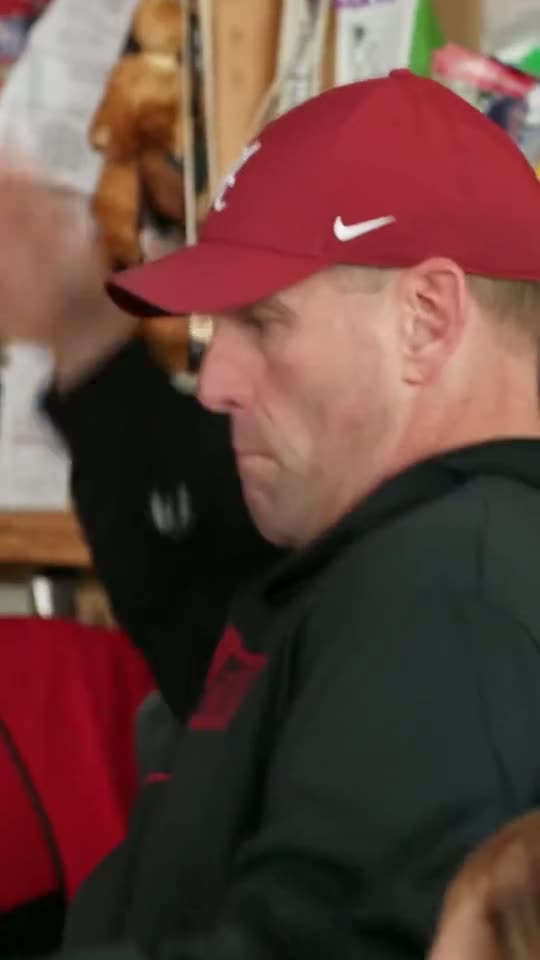
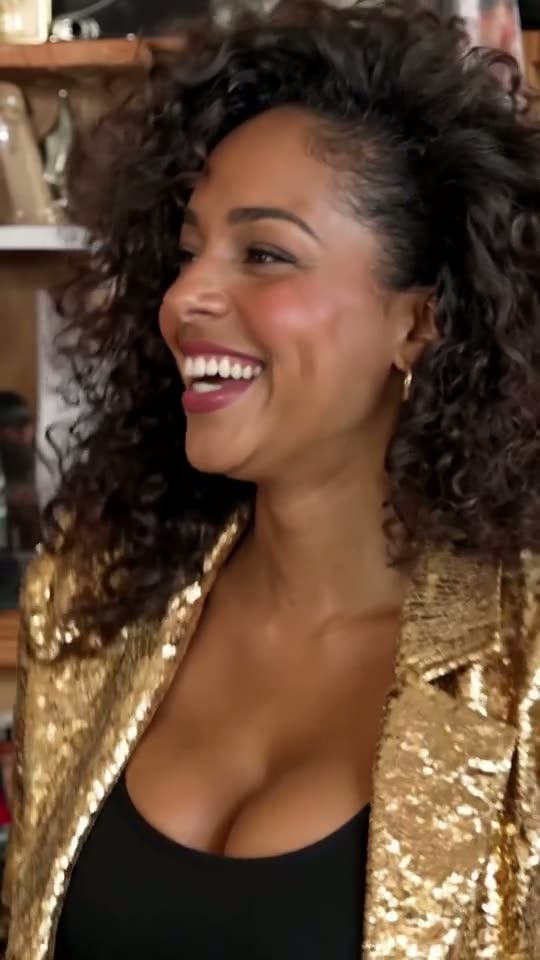
Room, edit and audio are done. Add the lead photo and up to four friends; the clip is ready minutes later.